 CoinTrendzBot
Telegram Market Rotation Chart Bot
Follow changing leadership across U.S. stock sectors and crypto directly inside Telegram chats and groups.
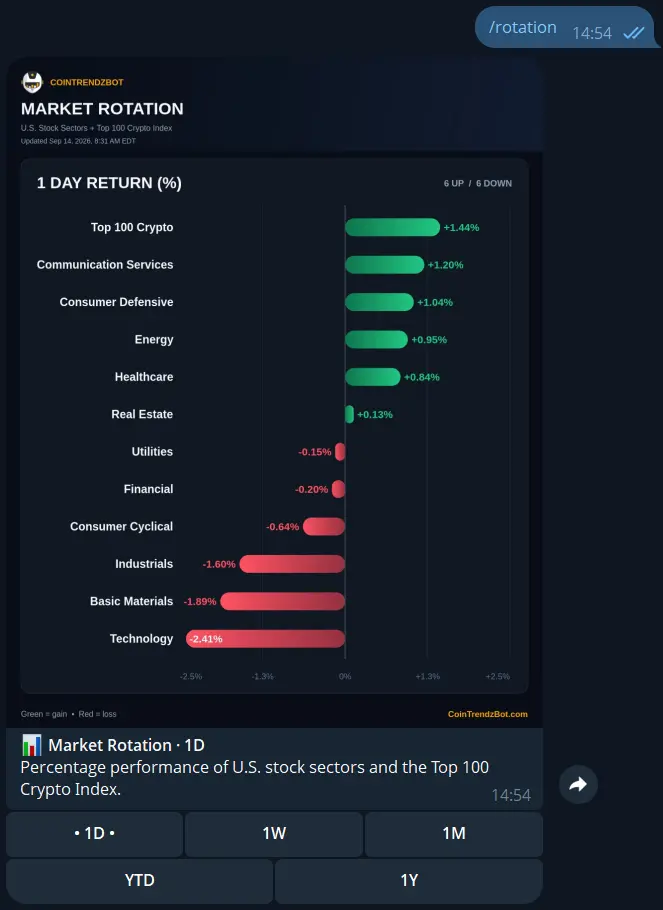
How to read market rotation on Telegram
Run /rotation to generate the latest comparison. The chart uses a common percentage scale, while interactive buttons help you test whether current leadership remains visible over longer periods.
Compare market groups
Place major U.S. stock sectors and the Top 100 Crypto Index on the same performance scale.
Change the horizon
Move from one day to weekly, monthly, year-to-date, or one-year performance with one tap.
Identify relative leaders
See which groups outperformed over the selected period and which ones lagged behind.
Share useful context
Keep sector and crypto rotation visible inside the group’s market conversation.
Telegram command syntax
No parameters are needed; choose timeframes from the buttons beneath the chart.
Get a rotation chart in three steps
No symbols, exchanges, or complicated parameters are required.
Open the bot
Start CoinTrendzBot privately or add it to a Telegram group.
Run /rotation
Send the command by itself to load the current one-day market rotation chart.
Compare timeframes
Use 1D, 1W, 1M, YTD, and 1Y to distinguish short-lived moves from broader leadership.
Make sector leadership part of the conversation
Give group members a compact cross-market chart while discussing equities, macro conditions, or crypto.
- U.S. sectors and Top 100 crypto in one chart
- Five performance periods
- Useful for daily and weekly reviews
- No ticker or configuration required
- Free for every member with command access
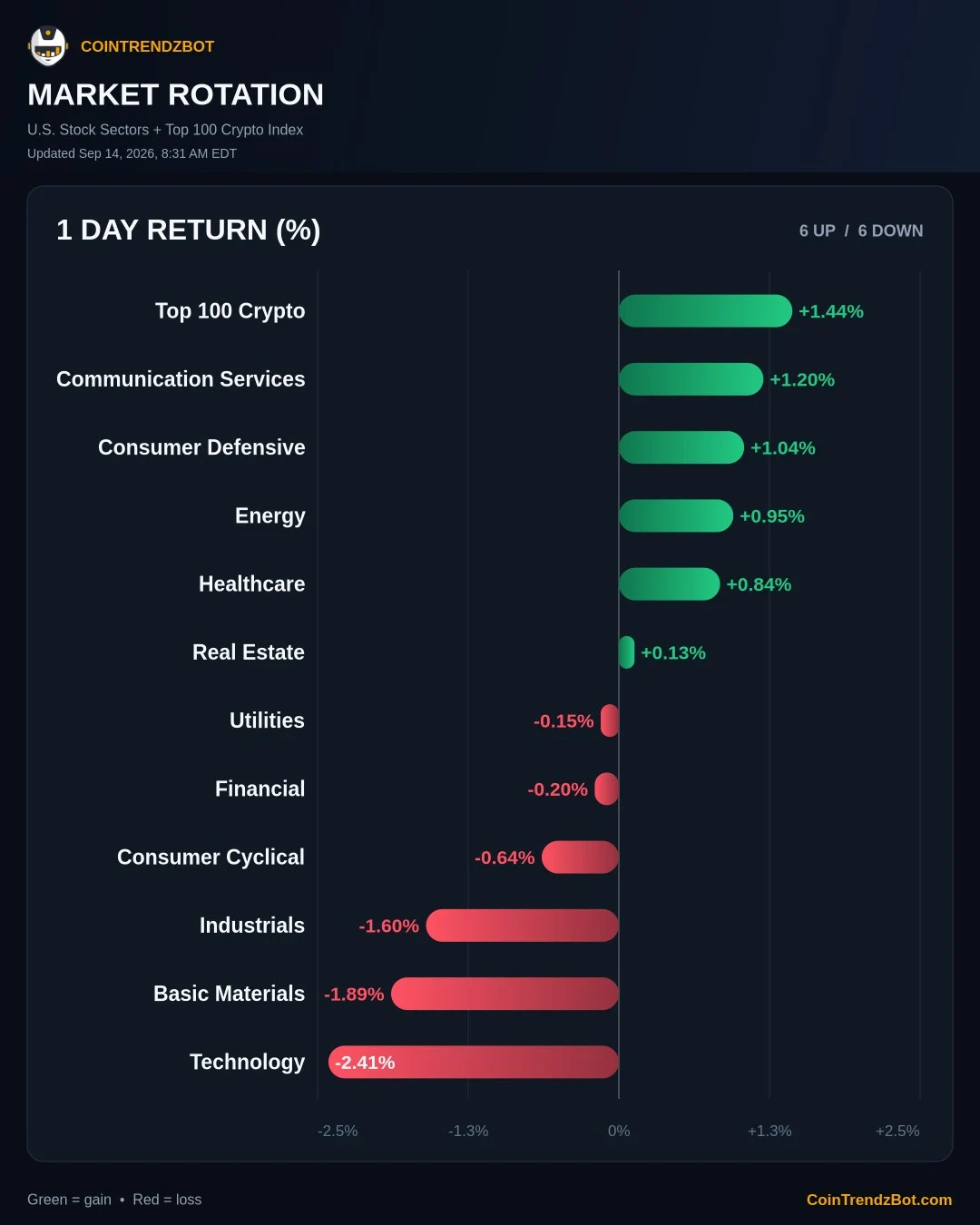
Use /rotation for free
Every timeframe in the /rotation chart is included in the free Telegram bot.
Questions, ideas, or market observations?
Join the CoinTrendz community
Meet other traders, learn how people use CoinTrendzBot, and discuss new market features.

Frequently asked questions
Explore more CoinTrendzBot commands